
Know what to do next
Start with a checklist timed to your wedding date. Add your own tasks and tick them off as you go.
From your first to-do to the last dance, keep your wedding plans together in one calm place.
Explore a sample wedding without an account.
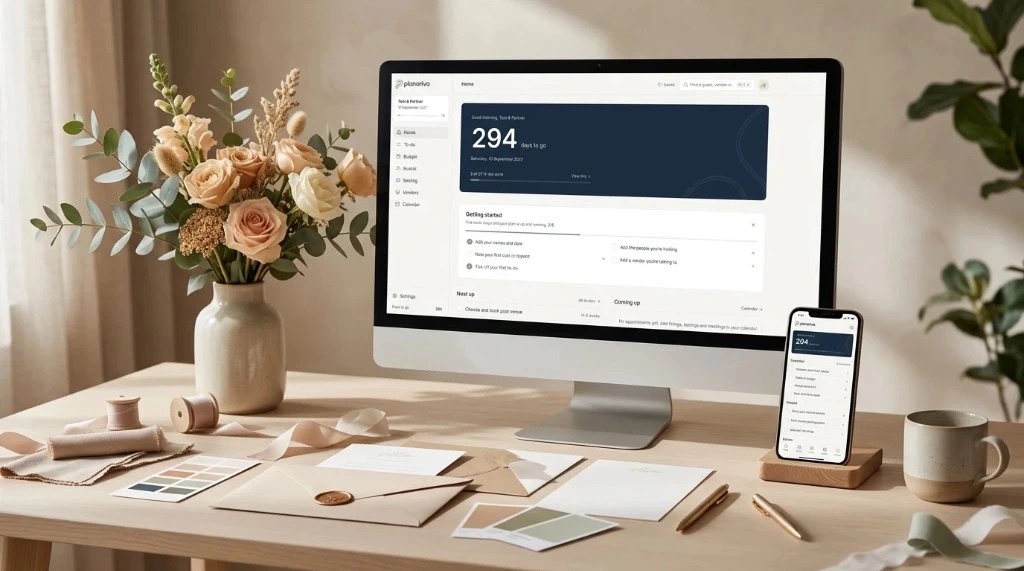
Know what’s done, what needs your attention and what you’re spending. Every detail has a place.
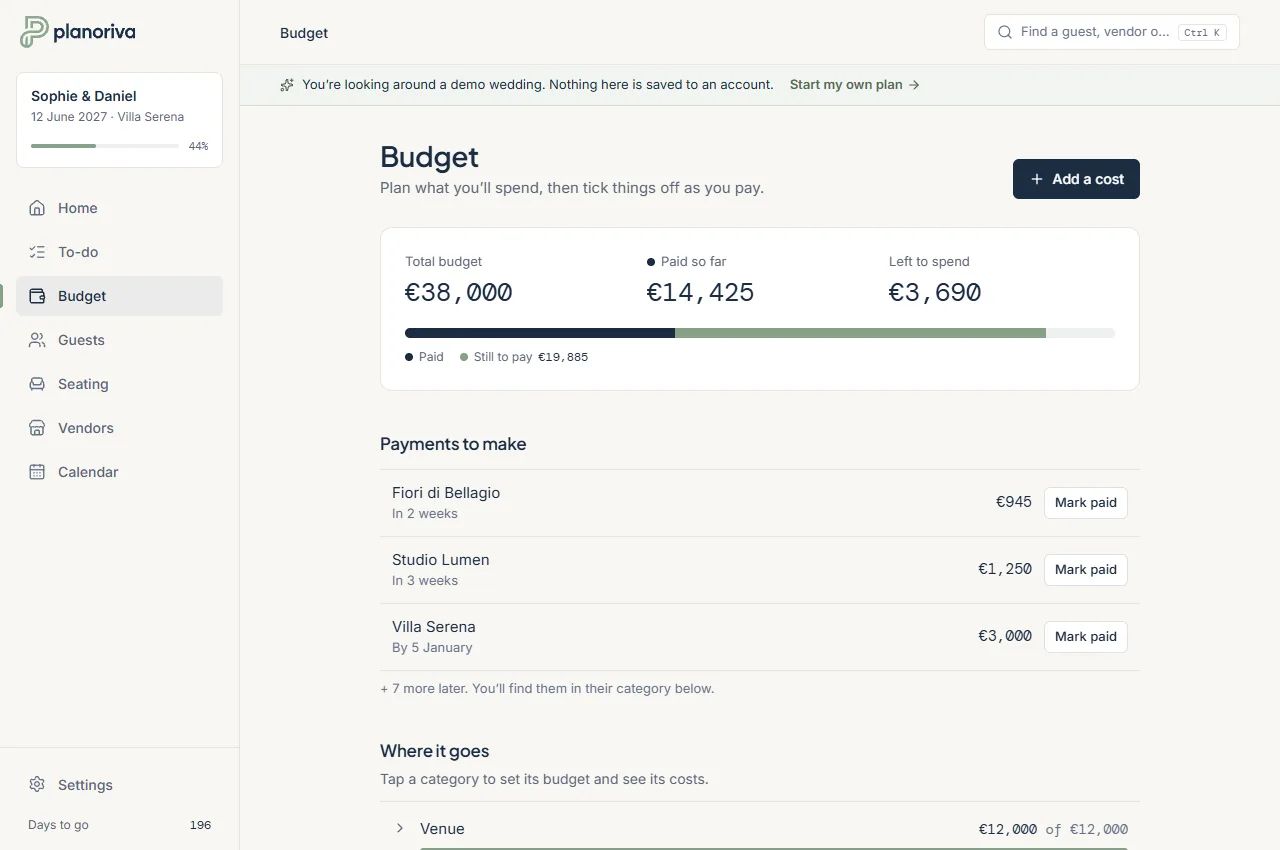
Start with a checklist timed to your wedding date. Add your own tasks and tick them off as you go.
Set a budget, track deposits and see how much you have left before making the next decision.
Group guests by invitation and see who’s coming, who’s still to reply and what meals they need.
Arrange tables on a floor plan and try seating options without reworking a spreadsheet.
Keep quotes, contact details and payment dates together as you move from shortlist to booking.
Keep appointments and deadlines in view, then put together a schedule you can share.
Open a sample wedding and see how the planner fits the way you like to organize.
Purchase a one-time license through Etsy when the listing is available, then keep your activation code handy.
Sign in, enter your code and start a private plan with your names and wedding date.

From the decisions you’re making now to the timing on the day, use the complete planner for one price.
Already have a code? Activate your licenseOne-time payment
The Etsy listing is coming soon.
Still have a question? Get in touch.
Explore a sample wedding, edit its checklist, try the budget and move guests between tables. The demo stays in your browser and is separate from your personal planner.
$9.99 USD is a one-time payment for a Planoriva license. Checkout takes place on Etsy when the listing is available.
Sign in or create an account, then enter your activation code. The code is used once and links the planner to that account.
Yes. Open Planoriva in your browser and sign in with the same account to see your wedding plan on your phone or computer.
Yes. You can download a backup from Settings in your personal planner.
Use Etsy’s order help for checkout questions. For questions about opening Planoriva or activating a code, see Contact Planoriva.